
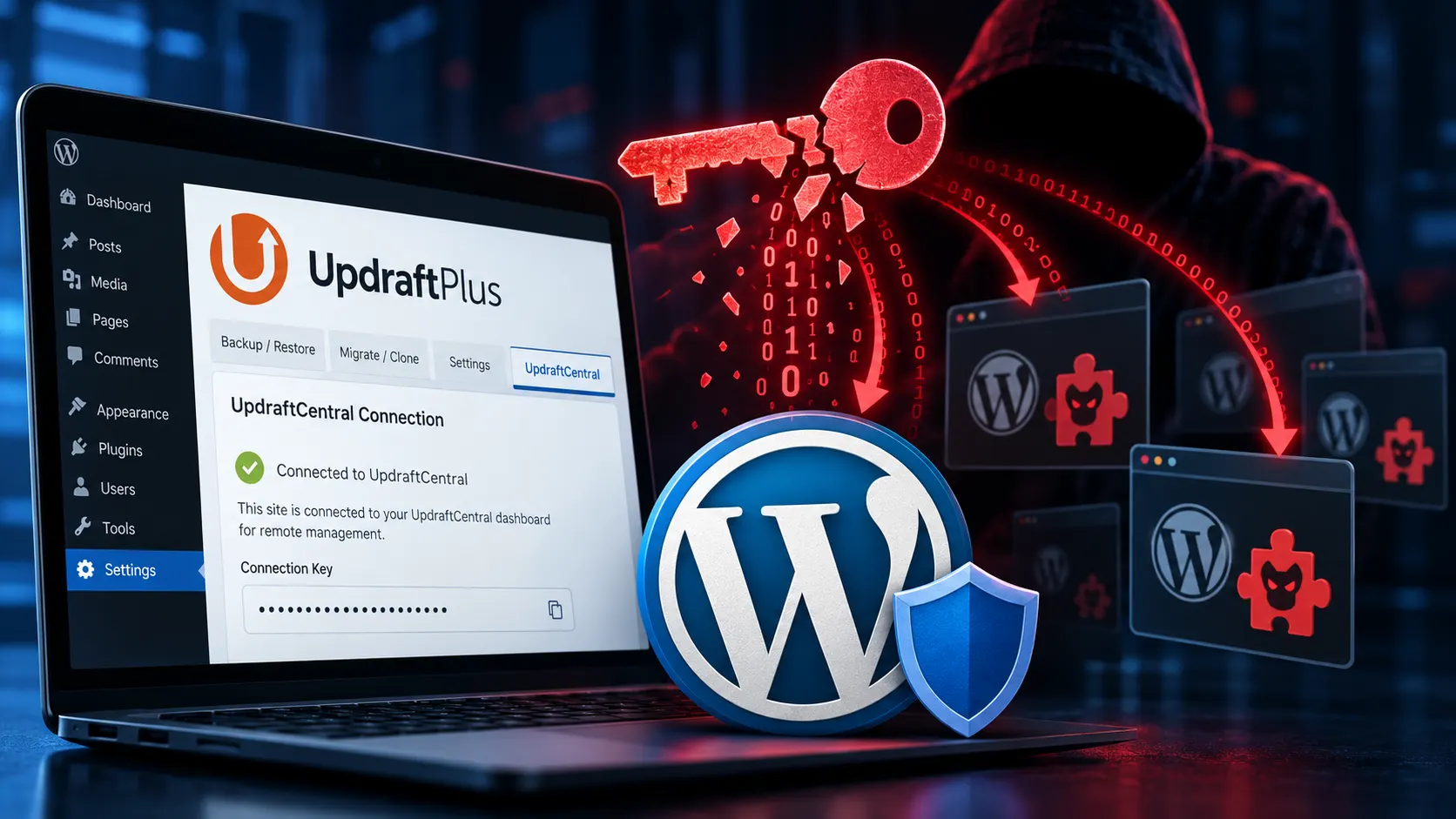
This morning, while working through the day's security announcements, we saw Patchstack's report that an attacker was using stolen UpdraftCentral keys to install backdoor plugins on WordPress sites.
UpdraftPlus is one of the most popular backup plugins for WordPress, and a number of the sites we manage use it. So the question in front of us was simple: which of our sites could the attacker reach, and had any of them already been touched?
Within an hour of the announcement, we had answered both questions for every site we host.
What happened
UpdraftCentral is the remote management dashboard that comes with UpdraftPlus. When a site is connected to it, the site stores a key in a WordPress option called updraft_central_localkeys. From then on, the site will carry out commands signed by the matching dashboard, with the permissions of the user who created the connection.
According to TeamUpdraft's incident post, unauthorized access to teamupdraft.com was identified over the weekend of October 17–18. They believe their customer database was accessed, including the connection keys used by UpdraftCentral.
Patchstack's write-up, which credits Nethemba with the original analysis, describes what the attacker did with those keys between October 18 and the morning of October 19:
- They sent signed commands telling connected sites to install and activate a plugin.
- That plugin was a backdoor. When visited with a secret token, it creates a user account with elevated capabilities and logs it in, bypassing the login form and two-factor authentication.
- The account remains after the plugin itself is removed.
A few details make this one particularly worth paying attention to:
- It isn't a bug in the plugin's code, so updating UpdraftPlus doesn't stop it. As of this morning, every version with an active UpdraftCentral key is affected, including the latest release.
- A site can have a key without anyone ever opening UpdraftCentral. According to Patchstack, connecting a site to a TeamUpdraft.com account can create one through a checkbox that is ticked by default.
- Keys don't expire. A connection made years ago is just as usable as one made last week.
TeamUpdraft is working on an emergency release that will disconnect older UpdraftCentral connections automatically. Until then, the fix is to remove the keys yourself.
Step one: remove the key from every site
The first priority was closing the door, everywhere, before doing anything else.
WP Haven already has SSH access and WP-CLI on every environment it manages, so we didn't need to log in to dozens of WordPress dashboards one at a time. We ran a single command across every WordPress environment we host (production, staging, and maintenance) that deleted the updraft_central_localkeys option wherever it existed.
The command also kept a record of every site where a key had actually been present, labelled by environment. That list became the starting point for everything that followed.
Removing the key doesn't affect UpdraftPlus backups. Scheduled backups to Google Drive, Dropbox, S3, and other remote storage carry on as normal. Only the remote-management connection is gone.
Step two: check for backdoors where the plugin was active
Deleting the key stops new commands from being accepted. It doesn't undo anything that had already happened, so the next step was to find out whether any of our sites had received a backdoor before we got there.
Not every site on that list was a real risk. Some had a leftover key from a plugin that had since been deactivated, and an inactive plugin can't act on remote commands. WP Haven keeps an up-to-date inventory of the plugins on every environment, so we narrowed the list to the sites where UpdraftPlus was actually active.
Then we checked each of those sites for plugins that shouldn't be there.
This is where keeping every site in version control pays off. On a WP Haven site, plugins arrive through our maintenance and deployment process, and every change is committed to Git. A plugin uploaded by anyone else, the attacker included, shows up immediately as a new, uncommitted folder. A review that would otherwise mean comparing plugin lists by hand came down to a read-only git status on each server, which listed:
- New or modified files in the plugins and must-use plugins folders
- Any other uncommitted changes, such as an edited
wp-config.phpor.htaccess - Plugin folders excluded from Git, which we checked separately because changes inside them wouldn't otherwise be visible
Within an hour of reading the announcement, every key had been removed and every site that had been exposed had been checked for signs of a backdoor.
If you manage WordPress sites yourself
If you use UpdraftPlus on sites that aren't hosted with us, both Patchstack and TeamUpdraft have published detailed guidance. The short version:
- Check for a key, even if you've never used UpdraftCentral. With WP-CLI, run
wp option get updraft_central_localkeys. Any output means the site has one. - Delete it, either with
wp option delete updraft_central_localkeysor in wp-admin under Settings → UpdraftPlus Backups → Advanced Tools → UpdraftCentral. Removing the site from the UpdraftCentral dashboard isn't enough. - Look for unfamiliar plugins, including on the Must-Use tab. Patchstack notes that the backdoor plugins use randomized names but share the description "Small maintenance toolkit: keeps option storage tidy."
- Review your users, paying particular attention to Editors that have been given administrator-level capabilities.
- Change your passwords, including your teamupdraft.com account and every WordPress administrator.
If you do find a backdoor, Patchstack recommends treating the site as fully compromised and restoring from a backup taken before the attack.
Why this was an hour and not a week
None of the steps above are complicated. What usually makes incidents like this slow is doing them across many sites: logging in to each dashboard, checking each plugin list, and keeping track of which sites have been checked and which haven't.
Or worse, not realizing a site has been touched at all.
That isn't hypothetical. On the evening of October 18, before Patchstack or TeamUpdraft had published anything, the attacker used a key on one of the sites we manage to upload and activate one of these backdoor plugins. Nobody there had ever used UpdraftCentral. The key had been created automatically when the site's UpdraftPlus premium license was connected.
The backdoor plugin had a coding error that crashed the site before its backdoor code could run. Our monitoring detected the problem, and we removed the plugin within minutes of the alert. We then revoked the key, and confirmed that the hidden admin account it was built to create didn't exist and that the trigger URL never appeared in the server logs.
Had the plugin worked as intended, the attacker would have had:
- A hidden account with administrator-level capabilities, kept logged in with a persistent cookie that skips the login form and two-factor authentication, and that remains after the plugin is deleted.
- The ability to run code on the server with the same permissions as WordPress itself. That covers the site's files, its database, and everything stored in it: customer records, form submissions, and the credentials WordPress uses to connect to other services.
- A way to change what visitors see, whether that's spam links, redirects, or malicious scripts injected into pages.
- Continued use of the remote-management key itself, which allows commands well beyond uploading plugins, such as creating users and managing backups.
In this case, a bug in the attacker's own code bought time. The next morning's sweep made sure that we didn't need to rely on luck anywhere else.
WP Haven is built so that we can work on every site we manage at once, instead of one at a time. Every environment is reachable from one place, every plugin is inventoried, and every site's files are version controlled. When a security announcement lands, the work goes into deciding what to check, not into getting access to each site.
Our goal isn't just to provide somewhere for WordPress to run. It's to make sure that when something like this happens, your site is one of the ones that was already taken care of by the time you heard about it.